-
×
 Controlador Tecware ARGB Sata
1 × $9870.00
Controlador Tecware ARGB Sata
1 × $9870.00


STORM comes with default RGB lighting modes and also supports several RGB lighting control apps from major motherboard manufacturers, allowing users to easily control and manage its RGB lighting. RGB effects, color sequences, intensity, on/off states, and additional features are all accessible.
* Note: If there is a 4-pin RGB header on your motherboard, you can customize the RGB effects freely via the APP.

Tool-free Installation
Users can choose to connect STORM to PSU or motherboard. For direct PSU connection, please use Molex power supply cable to connect to Molex/PCIe 6-pin cable of PSU. For direct motherboard connection, please plug the system fan wire to an available header. Enter BIOS to ensure system fan connectors are set to 12V. If there is a 4-pin RGB header on your motherboard, please connect the RGB control wire to it and manage the RGB light via the APP.

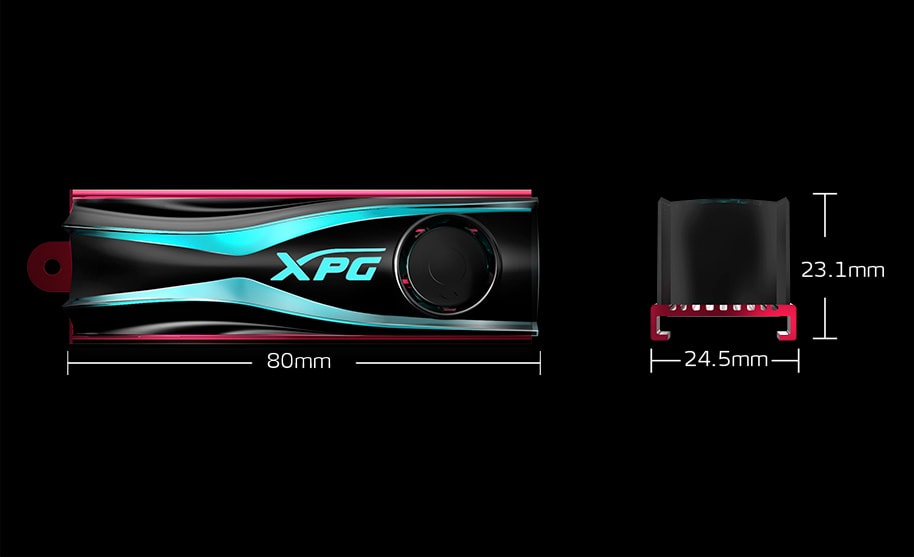
Dimensions